
Protect Your Apartment s Wifi

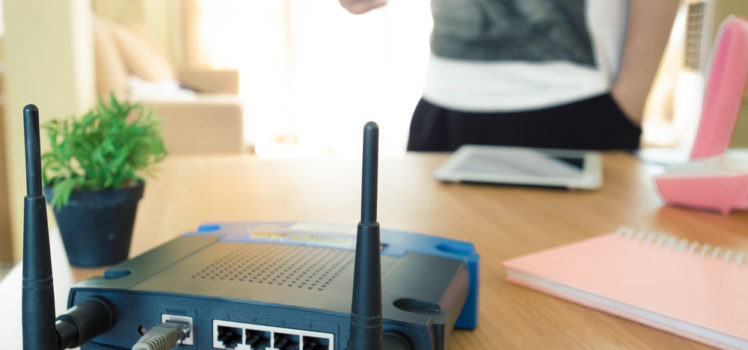 With identity thieving at an all-time high, securing your personal information is more important than ever before, and it can start with something as simple as ensuring that your apartment's wifi password security, as well as your other passwords, are strong enough. But how do you create a secure password?
The Three Essential Rules to Creating a Secure Password
Though passwords may seem like a hassle to remember, they're a hugely necessary inconvenience. According to cybersecurity company IdentityHawk.com, they're essential in the fight against someone stealing your data or even your identity. In order to ensure your password security, start by keeping these three rules in mind:- Passwords should be complex and long While this may make your password more difficult to remember, it also makes it more difficult for a hacker to guess. Aim for a password that's at least 8 characters long, includes both upper and lowercase letters, numbers and special characters such as %, # or &.
- Passwords should not be easy to guess It's always tempting to use something simple like "password1" or even "123456", but that's one of the worst things you can do. Sequential numbers are actually the worst for hacks, according to SplashData, who collect information on data breaches. In fact, in 2015, "123456" was the most commonly used password found in hacks for the 5th year running.
- Use a different password for every account Using the same password for all of your accounts is just asking for trouble. Oftentimes during major data breaches, hackers will try using acquired passwords on other accounts just to see if they'll work, meaning they could possibly gain access to your important financial information. If your memory just isn't built for that kind of thing, try using one of the top password managers to ensure your password security.
How Do I Know If I Have a Bad Password?
Here is SplashData's top 25 list of most commonly used--bad--passwords. If you are using any of these, change it. Now.- 123456
- password
- 12345
- 12345678
- football
- qwerty
- 1234567890
- 1234567
- princess
- 1234
- login
- welcome
- solo
- abc123
- admin
- 121212
- flower
- password
- dragon
- sunshine
- master
- hottie
- loveme
- zaq1zaq1
- password 1
- Use passwords or passphrases of twelve characters or more with mixed types of characters
- Avoid using the same password over and over again on different websites
- Use a password manager such as TeamsID to oranize and protect passwords, generate random ones, and automatically log into websites
So what's the best way to choose a secure password?
- Choose a phrase with at least 8 words: This is my favorite sandwich in the world
- Take the first letter of each word: timfsitw
- Switch one (or two) to an uppercase: TimFsitw
- Switch one to a number: T1mFsitw
- Switch one to a special character: T1mF$itw
- Add something unique from each site (i.e. add a "b" for banking, and "f" for Facebook, etc.)